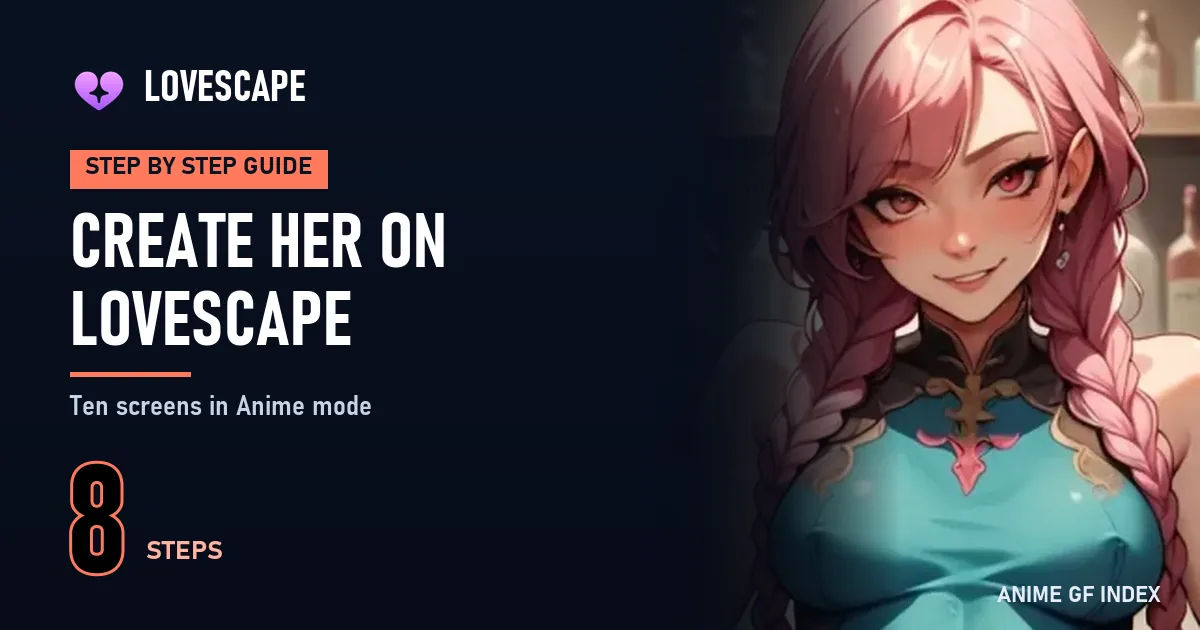
Lovescape's builder is the most detailed in my ranking: ten screens, one decision per screen. I went through all of them in Anime mode with a free account and built Hoshi Calder, 27. Here is each screen, with a blurred screenshot because the sample images are explicit.
 By callieb
Pick Female and Anime, then go through ten screens: ethnicity and age, body, face, personality, relationship, name and voice. Designing is free; Create and chat asks for Premium, $95.88 a year.
Lovescape treats character creation as a sequence of screens with a progress bar at the top. Each screen asks one question with large illustrated choices and a Next button. You can go back at any time without losing what you chose.
Designing is free, so you can explore the whole builder before deciding anything. The last button, Create and chat, opens the plan window: actually creating the character needs Premium.
Sign up with an e-mail address and a password, or with Google, X or Discord. A Cloudflare check runs during sign-up. The new account gets 40 chips.
Browse in private: the sample pictures on the builder screens are explicit. My screenshots below are blurred for that reason; the interface text is untouched.
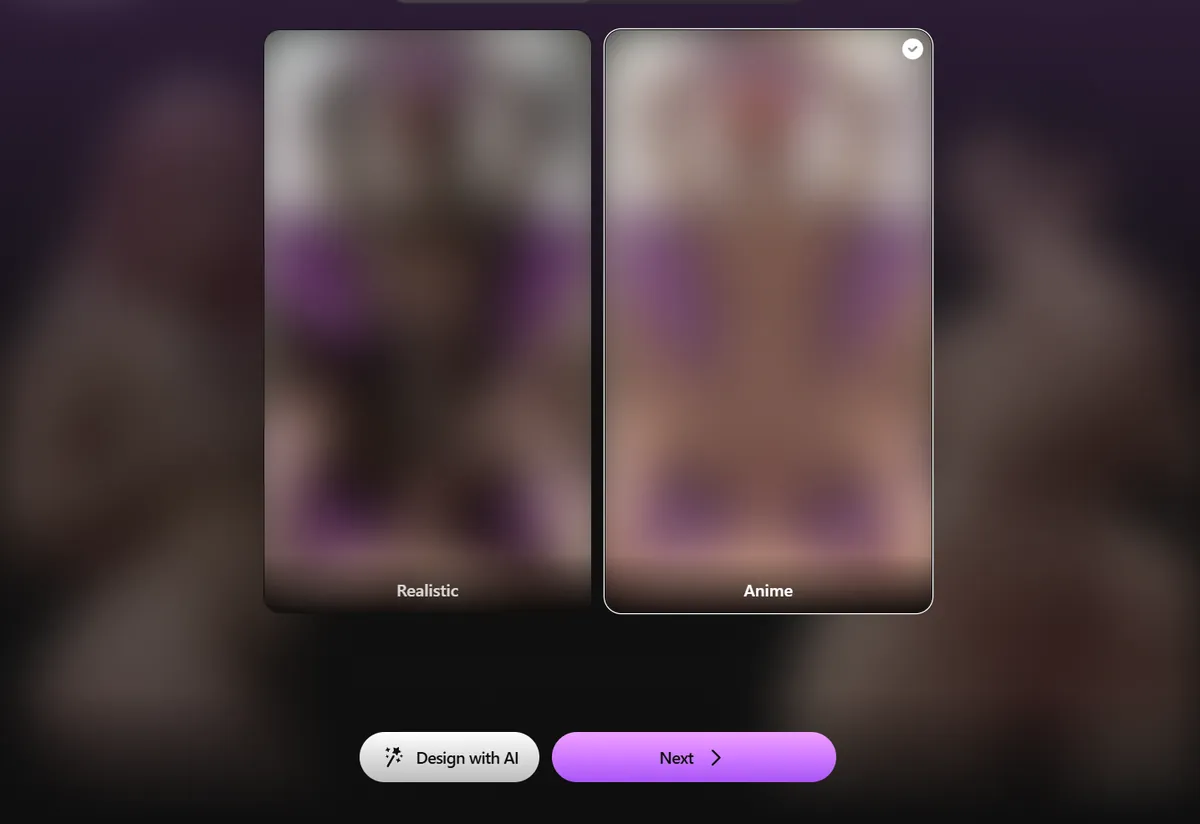
Click Create in the left menu. The first screen, Create my AI girl, has two switches: Female or Male, then Realistic or Anime. Choose Female and Anime; the selected card gets a check mark. There is also a Design with AI button that lets you describe the character in your own words; it is useful if you already have a precise picture in mind, but the step by step route gives more predictable results, so I used Next. From here on, every illustration in the builder switches to anime art, which helps you judge each option in the right style.
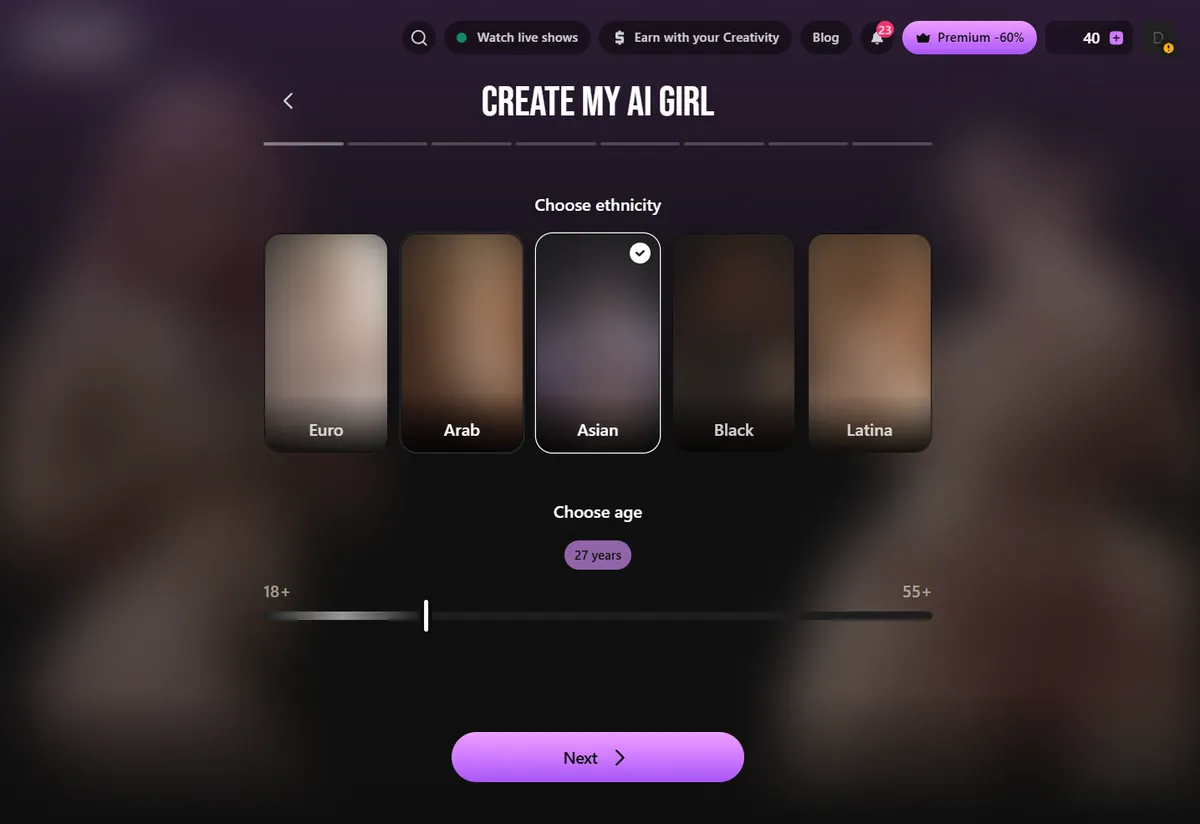
The second screen offers five ethnicities as large cards: Euro, Arab, Asian, Black and Latina. Below them is an age slider that runs from 18 to 55 and over. It starts at 21; I moved it to 27 for Hoshi. Every character on this site is 21 or older and I recommend you stay there. The age you pick shapes how the character talks as much as how she looks: older settings give a more self assured voice in the chat. Press Next when you are happy with both.
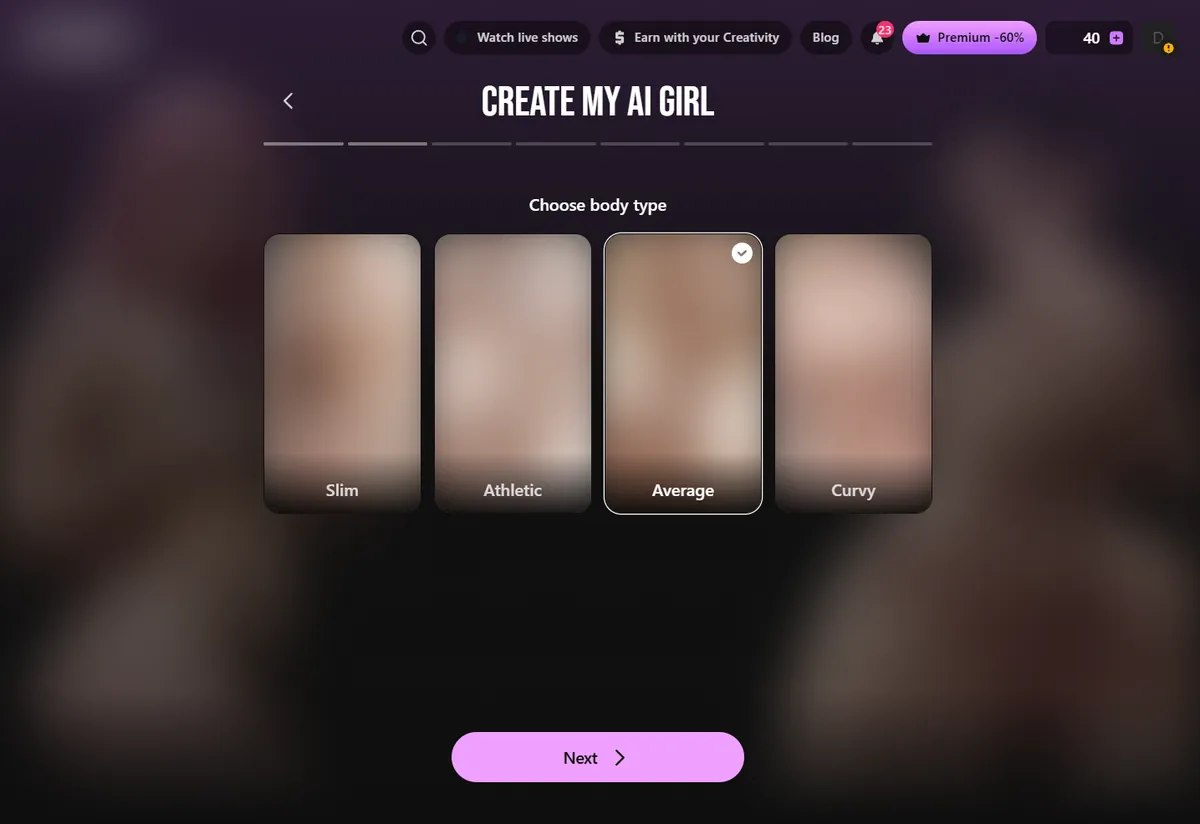
Three screens deal with the figure. The first asks for a body type: Slim, Athletic, Average or Curvy. The next two refine the silhouette with four options each. Pick what fits the character you have in mind and move on; these screens matter less for an anime companion than the face and the personality that come next. If you build a sporty character, such as a gym partner or a volleyball player, Athletic is the natural choice; Average suits most everyday characters.
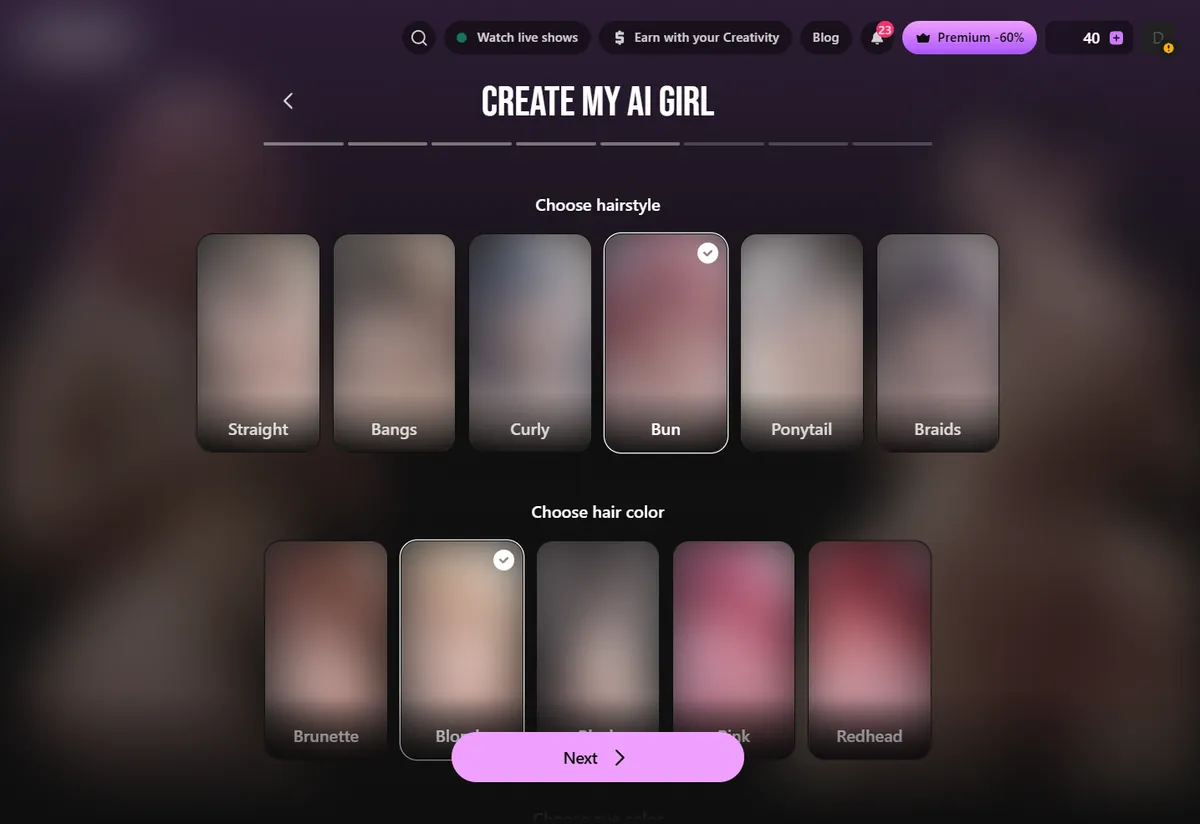
The face screen groups three choices. Hairstyle offers Straight, Bangs, Curly, Bun, Ponytail and Braids. Hair color offers Brunette, Blonde, Black, Pink and Redhead. Eye color offers Green, Blue and Brown. This is the screen that gives an anime character her identity, so take your time: a pink haired character with braids reads very differently from a black haired one with a bun. For Hoshi I chose a bun, blonde hair and blue eyes.
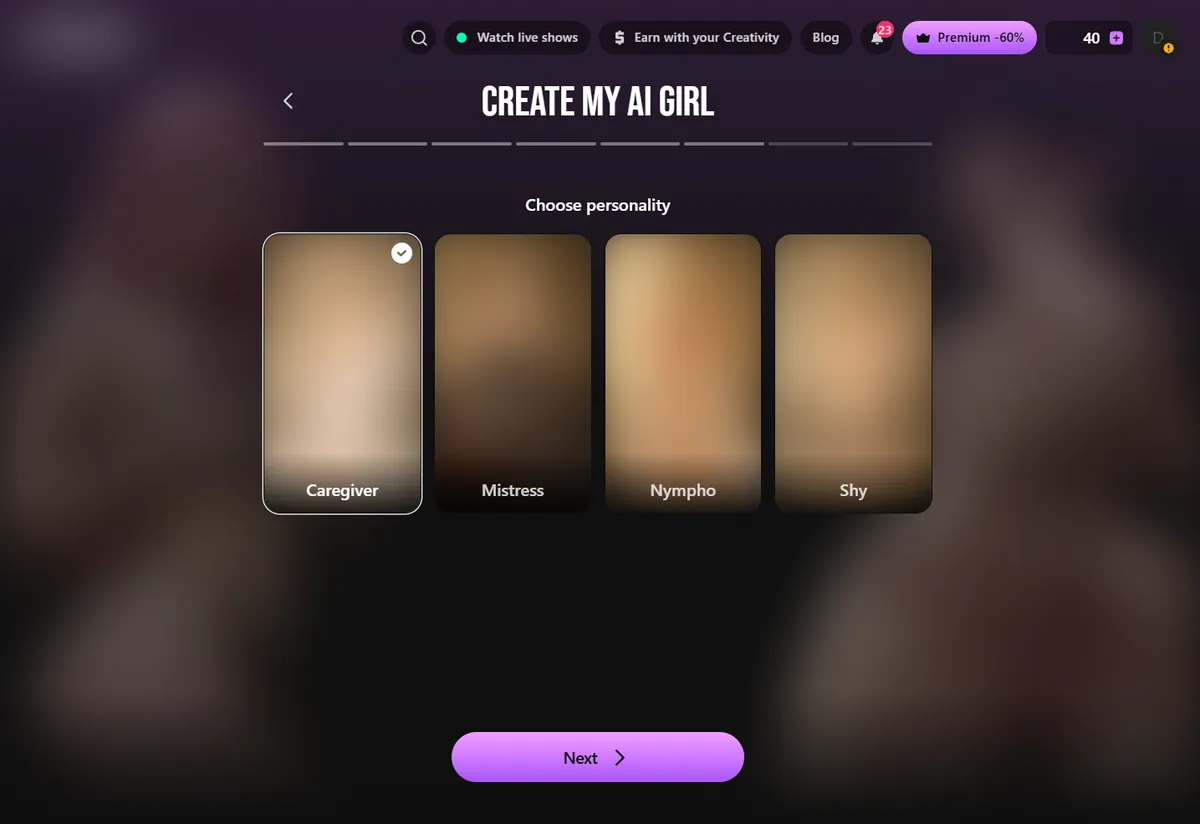
The personality screen offers four options: Caregiver, Mistress, Nympho and Shy. For an anime companion who is warm and talkative, Caregiver is the most versatile; Shy works well for a quiet, reserved character such as a kuudere or a dandere. I chose Caregiver. Personality is the setting the chat leans on most, so if you are unsure, pick the one that matches how you want her to greet you.
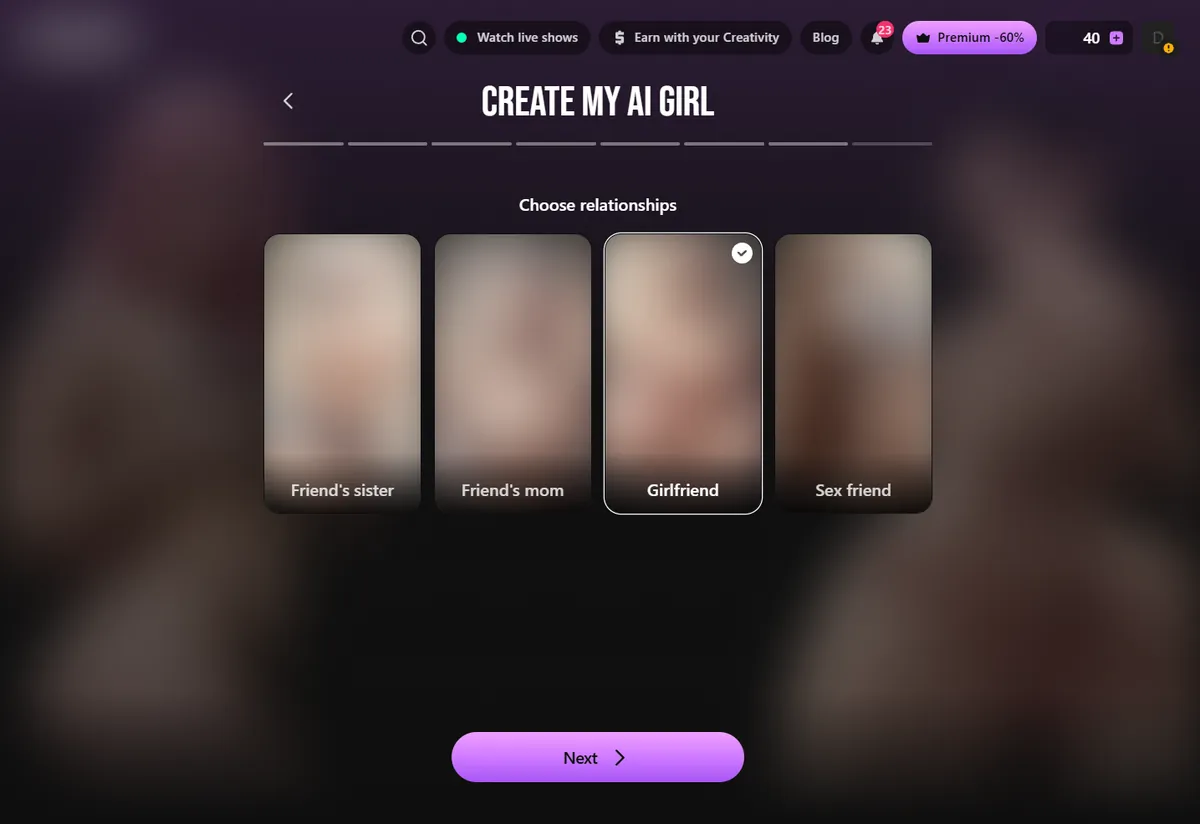
Next comes the relationship, which tells the character how she knows you. Pick Girlfriend for a romantic companion, which is what this guide is about. The relationship sets the starting point of the conversation: a girlfriend greets you as someone she already knows, which makes the first messages warmer and more natural.
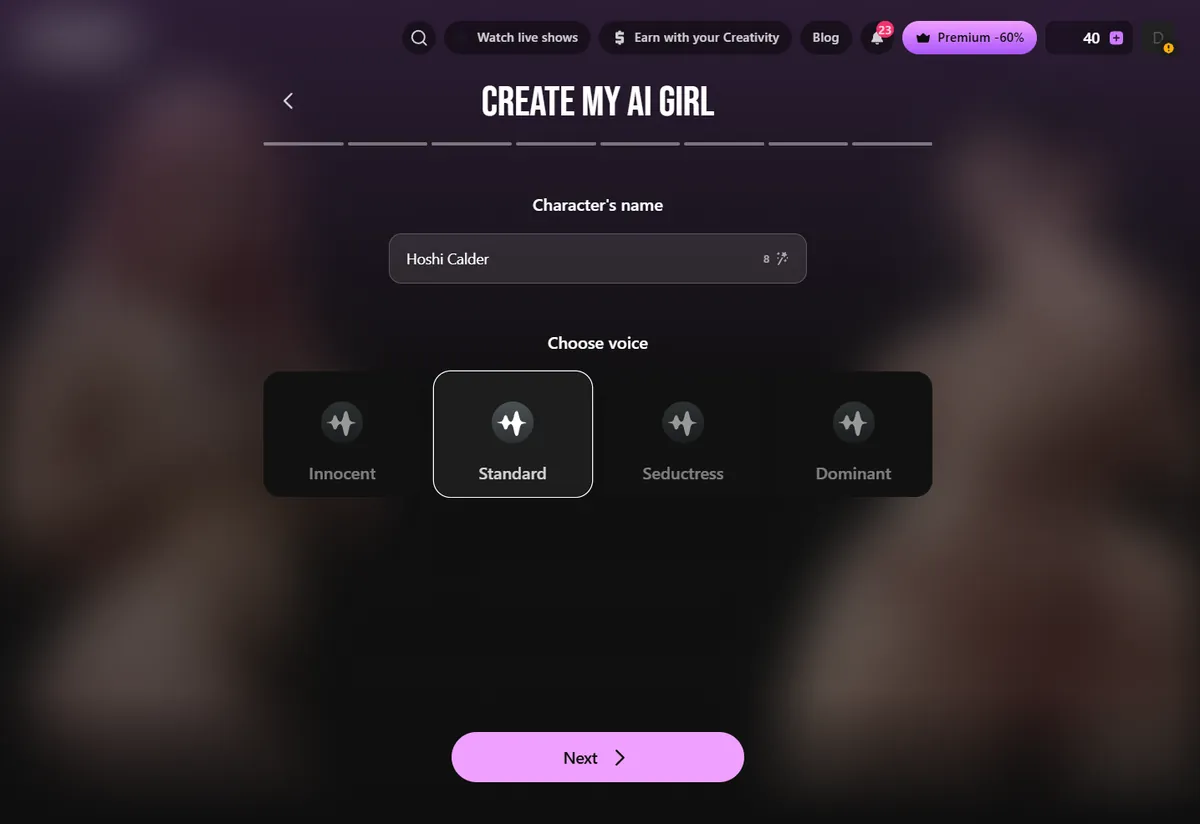
The ninth screen asks for a name, up to 16 characters, and a voice: Innocent, Standard, Seductress or Dominant. Each voice has a play button so you can hear it. I typed Hoshi Calder and kept Standard, the most neutral voice for everyday chat. If you build a calm, older character, try Standard or Dominant; for a playful one, Innocent is lighter. Press Next to reach the summary.
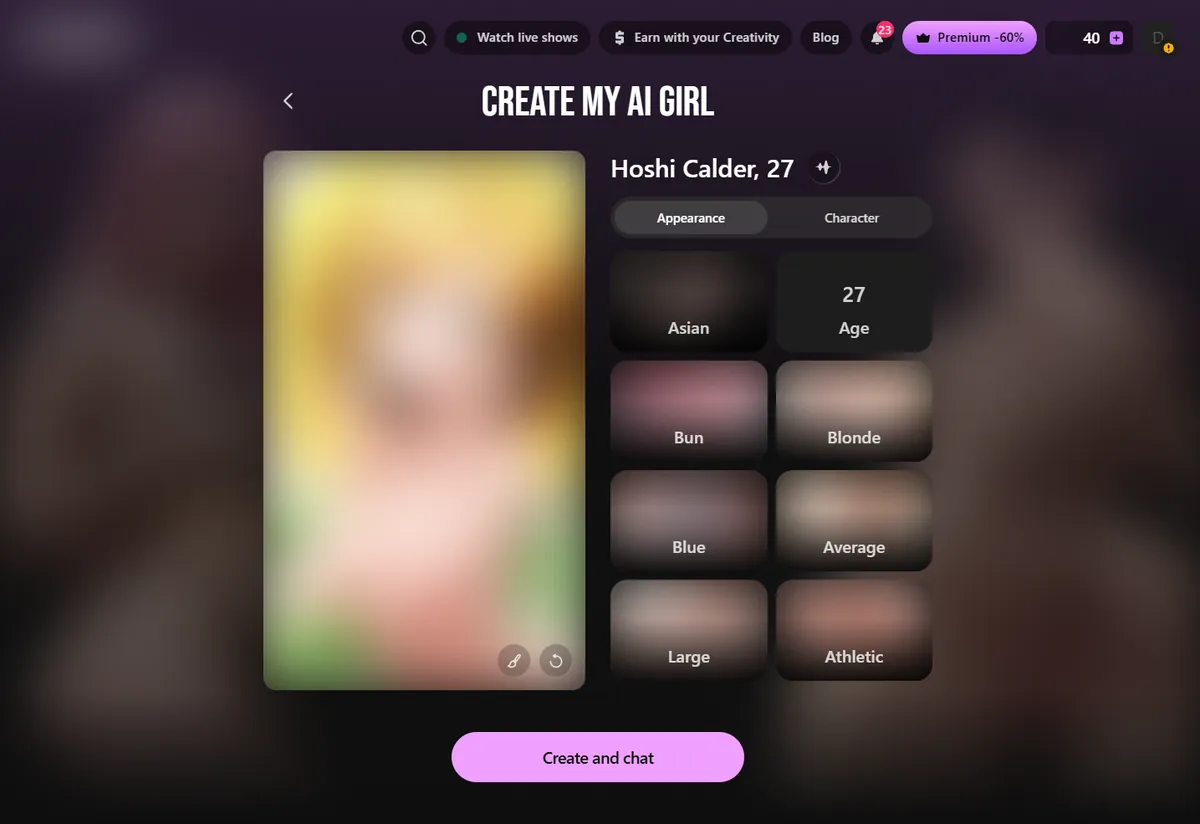
The summary shows the portrait on the left and two tabs on the right: Appearance (ethnicity, age, hair, eyes, body) and Character (personality, relationship, voice). Check everything here; this is your last chance to go back for free. Then press Create and chat. On a free account, this opens the plan window: Premium costs $19.99 for a month, $38.97 for three months or $95.88 for a year and includes 600 chips a month. Once subscribed, the character is created and her chat opens.
Your character appears under Characters and Chats in the left menu. Her profile has Image and Video buttons; generations use chips from your monthly 600.
Start the chat with something that fits the relationship you chose. A girlfriend character responds best to a message that assumes a shared life: what you did today, a plan for the evening, a question about her day.
If you want to meet your character tonight, Candy AI is faster: a ready draft, a few tiles, ten tokens and she is talking. If you enjoy designing every detail and do not mind paying before you meet her, Lovescape's ten screens give you more control over the face, the voice and the relationship.
A good approach is to design on Lovescape for free first. Even if you end up building on another platform, going through its screens forces you to decide what your character looks and sounds like, and that makes every other builder quicker.
Lovescape's options map well onto classic anime archetypes. A tsundere: ponytail, red hair, Caregiver with a teasing first message. A kuudere: straight black hair, blue eyes, Shy, Standard voice. An office lady: bun, brunette, Caregiver, Dominant voice. Pick one before the first screen and the rest follows.
The most common mistake is leaving the age slider where it starts without thinking about it; set it deliberately, 21 or older. The second is choosing the relationship last as an afterthought, when it decides how she greets you. The third is skipping the voice preview: listen to all four before choosing.
Designing is free; creating needs Premium. Premium includes 600 chips a month for pictures and videos. PRO adds 3,000 chips, downloads and face swap, and is only worth it for heavy generation.
| Plan | 1 month | 3 months | 12 months | Chips a month |
|---|---|---|---|---|
| Premium | $19.99 | $38.97 | $95.88 | 600 |
| PRO | $69.99 | $149.97 | $359.88 | 3,000 |
You can go through all ten builder screens for free, but Create and chat requires Premium, from $19.99 a month or $95.88 a year.
Choose Anime on the first builder screen. All later previews are drawn in anime style.
Ten, including the summary: style, ethnicity and age, body type, two body screens, face, personality, relationship, name and voice, summary.
Caregiver, Mistress, Nympho and Shy.
Yes, on the name screen: Innocent, Standard, Seductress or Dominant, each with a preview.
Chips pay for image and video generations. New accounts get 40, Premium adds 600 a month.
Ten screens, one anime character exactly as you picture her. Start the Lovescape builder now.
 Open the Lovescape builder
 Open Candy AI, the number one pick
Candy AI tops our ranking: an anime tab full of ready-made characters and a builder that starts with an Anime style switch. Opening it costs nothing.
See Candy AI